

















Your Google Business Profile is the panel that can appear when people search for your business name, and in the map results when they search for what you do nearby. It is free, and for many local businesses it is the first thing a customer sees. Here is how to set it up properly.
1. Claim and verify it
Search for your business on Google or go to Google Business Profile Manager, then claim or create your profile. Google will ask you to verify that the business is yours. The method varies, and can include a video, a phone call or a postcard. Your profile will not show fully until it is verified.
2. Use your real business name and details
Use your business name exactly as it appears in real life, without extra keywords. Make sure your address, phone number and website match what is on your own website, word for word. If you visit customers rather than having them visit you, you can hide your address and list the areas you serve instead.
3. Choose your categories carefully
Your primary category matters most. Pick the one that best describes your main service, then add a few secondary categories for other work you genuinely do. Choose what customers would search for, not what sounds impressive.
4. Add your services and opening hours
List your services with short descriptions. Add your normal opening hours, and update them for bank holidays and closures so customers do not turn up to a locked door.
5. Add real photos
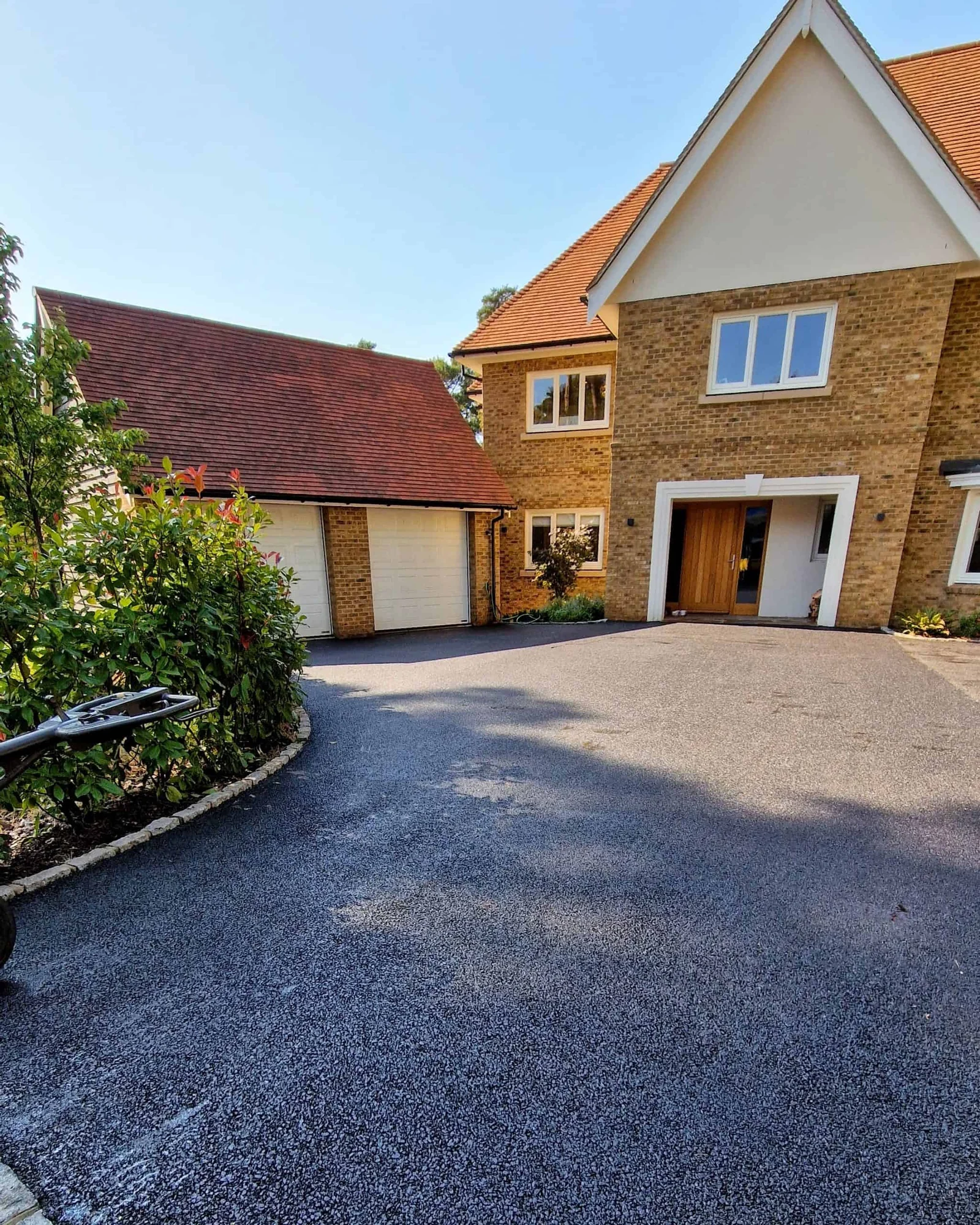
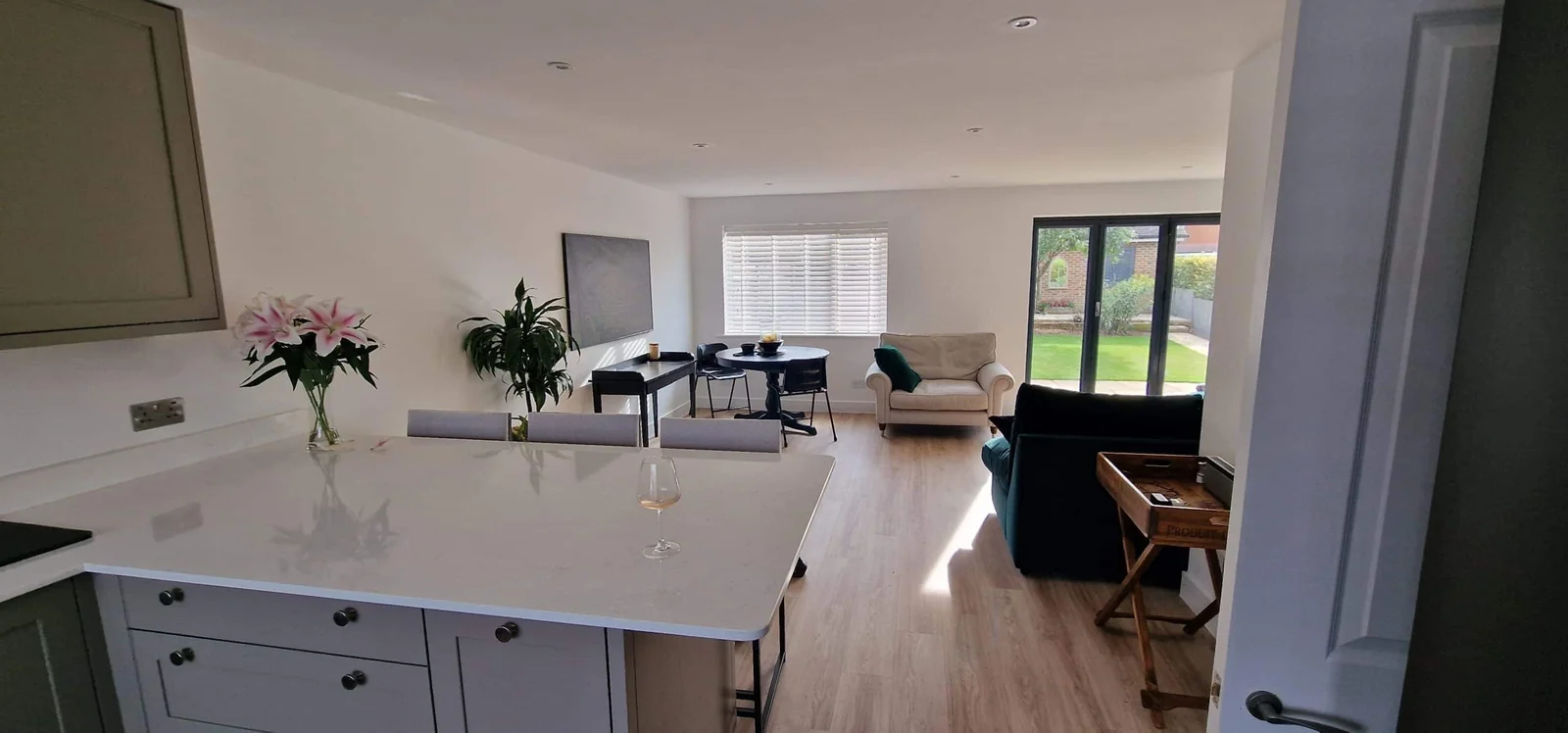
Add photos of your work, your team, your vehicles and your premises. Real photos help customers trust you. Add new ones from time to time, especially after a job you are proud of.
6. Ask for honest reviews, and reply
Ask happy customers to leave a review, and make it easy with a direct link. Never buy reviews, write your own or offer rewards for them, which breaks Google’s rules. Reply to every review, good or bad, politely and briefly.
7. Link to the right page
Link your profile to your website. If you mainly offer one service, linking to that service page can make more sense than your home page. Keep the details on both in sync.
Keep it up to date
A profile is never finished. Check it every month or two, update your hours and services, add photos and reply to reviews. For the bigger picture, work through our local SEO checklist.
Google Business Profile setup is included in our Business and Premium plans. See our local SEO services if you would like help.